Everyone sees what they need, and nothing they shouldn't.
Every role in your school, from proprietor to parent, has its own login and its own view. Teachers see their classes, bursars see fees, parents see their own children. You decide the rest.
The short answer
EduLedga gives every person their own account and a role. The role decides what they can see and do. Built-in roles cover everyone in a Nigerian school, from proprietor and director to teacher, parent, student and class monitor, and you can create custom roles with exactly the permissions you choose. Because access follows the role, pupil records stay with the people who need them.
A view for every seat in the school.
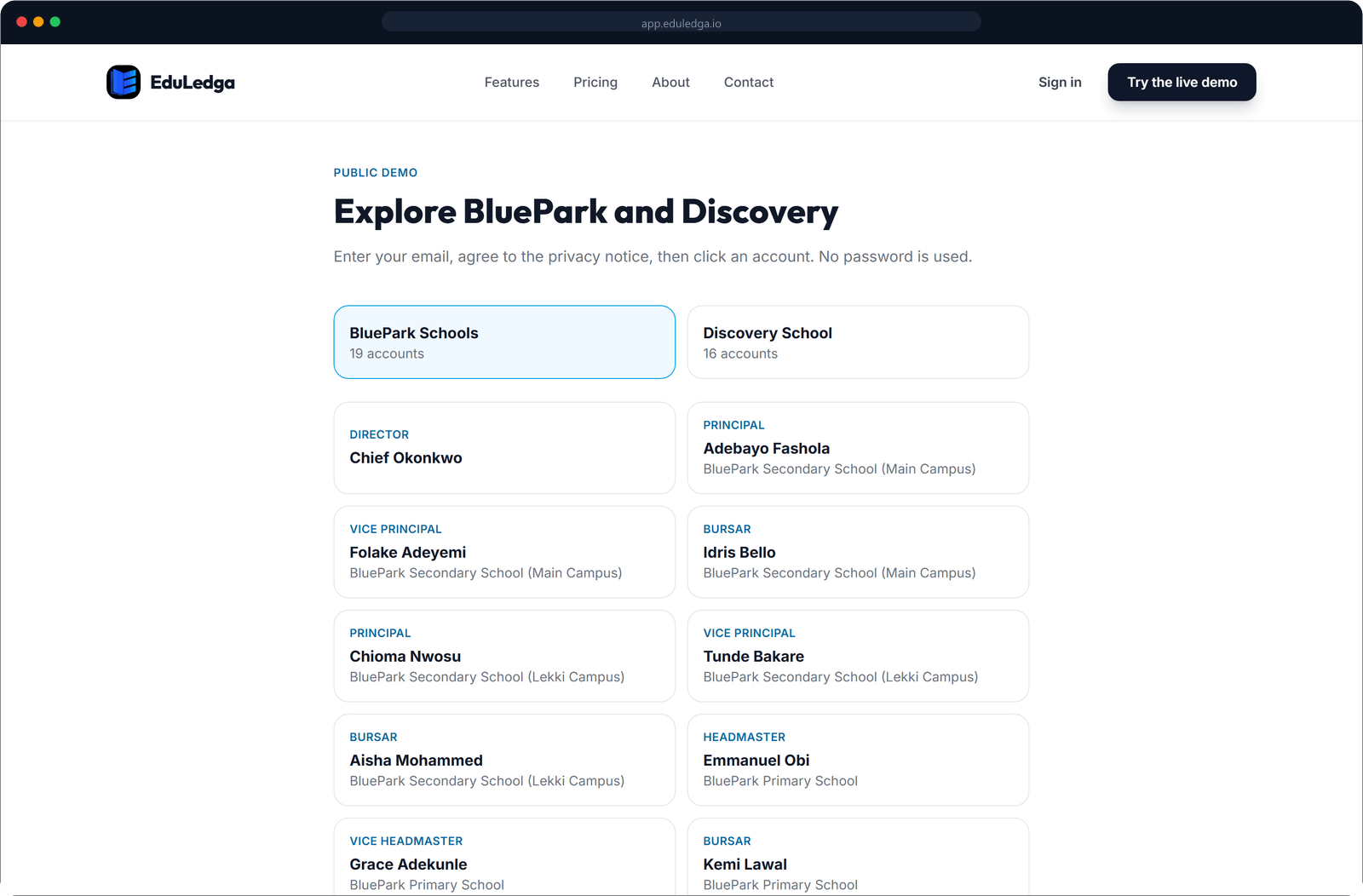
Proprietor or director
Sees every campus in the group, with group analytics, billing and settings.
School administrator
Sets up the school: sessions, classes, subjects, staff, students and settings.
Principal and vice principal
Oversees academics in a secondary school: timetables, results, report cards and teacher attendance.
Headmaster or headmistress and deputy
The same oversight for a nursery or primary school.
Bursar
Sets fee items, records and tracks payments, and follows up balances. Cannot download the full school data export.
Head of department
Follows the subjects and teachers in their department.
Teacher
Takes registers, enters scores, writes comments and lesson notes, and sets online exams for the classes and subjects they teach.
Inspector
Checks that timetabled lessons took place and raises queries where needed.
Class monitor
Confirms each period's lesson and the teacher's arrival.
Parent or guardian
Sees results, attendance, fees and notices for their own children, all in one place.
Student
Sees their timetable, results and exams, and uses AI study support.
Access you control.
Custom roles
Need a group bursar, an exams officer or an admissions officer? Create a custom role and tick exactly the permissions it needs.
Least access by default
Each built-in role starts with only what that job needs. Add more access only where you choose.
One person, one login
Nobody shares a password. When someone leaves, remove their account and their access ends.
Sensitive actions protected
Downloading the full school data export is limited to authorised administrators. Bursars cannot do it.
Every change recorded
The audit trail shows who changed what and when, whatever their role.
Learn more- 1
Add your staff, students and parents, or import them from a spreadsheet.
- 2
Give each staff member their role: teacher, bursar, principal and so on.
- 3
Create any custom roles you need and choose their permissions.
- 4
Each person signs in and sees only their own view.
The titles your school actually uses.
Principal or headmaster, bursar, HOD, class monitor: EduLedga uses the roles Nigerian schools already have, so nobody has to translate their job into someone else's software.
Frequently asked questions
Can parents see other children's results?
No. A parent sees only the children linked to their account.
Can we create our own roles?
Yes. Create custom roles and choose exactly what each one can see and do.
Can a teacher see every class?
A teacher sees the classes and subjects they teach. If you want a teacher to see more, give them a role with more access.
Do we pay per staff account?
No. Staff and parent accounts are free. You pay ₦1,000 per student per term, VAT included.
Read moreWhat happens when a staff member leaves?
Remove their account and their access ends. Their past work, such as scores they entered, stays in your records.